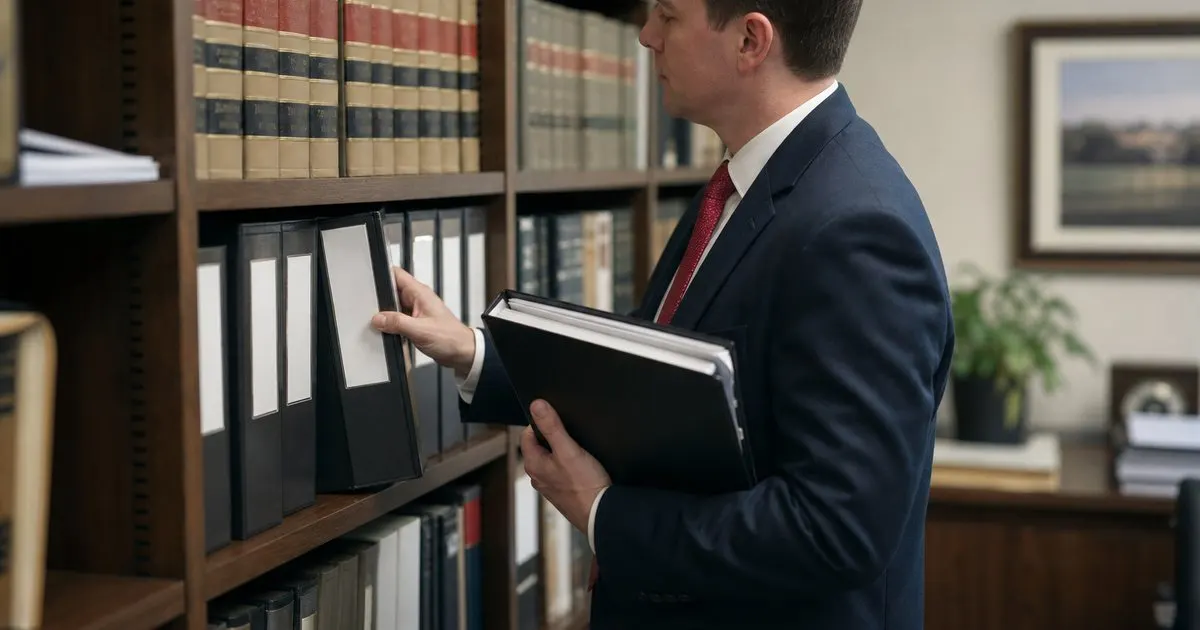
What exactly is Bates numbering and why do law firms rely on it for documents?
A foundational explanation of the numbering system behind organized document production.
Batch-stamp thousands of pages with consistent Bates numbers, watermarks, and exhibit labels, and keep your numbering unbroken across every document set.
No credit card required to start. Cancel anytime.
Fall dockets and scanned archives. Back-to-work season often means digging into scanned archives that have no text layer. Understand the limits of stamping image-only PDFs before you commit to a range.
Scanned PDF stamping limitsFor firms running productions every week. Everything in Solo, Exhibit labels, Continuous numbering across sets.
Applying Bates numbers by hand across a production of thousands of pages is slow, and one skipped file throws off the entire sequence. When numbering breaks, opposing counsel notices and your team scrambles to fix it.
Watermarks and exhibit labels add another layer of tedious work. Doing it document by document eats into hours that should go toward the actual case, and inconsistency creeps in every time a new person handles the files.
PdfStampr stays focused and does this one job extremely well.
Select a folder and stamp every page with a continuous Bates number, so a thousand-page production carries one unbroken sequence.
Set your own prefix, starting number, and digit padding to match your firm conventions and the demands of a specific matter.
Apply confidential, draft, or privileged watermarks across a whole set at once, positioned exactly where you want them.
Add exhibit stamps in a consistent corner across documents, keeping your presentation clean and easy to reference.
Pick up where the last production left off, so numbering stays consistent even when documents arrive in waves.
See exactly how the stamp will land on a sample page before you commit, so there are no surprises after processing.
Three steps from sign up to real value.
Drop in a folder of PDFs and set the order, so the numbering flows the way your production requires.
Choose your prefix, starting number, watermark, and label position, then preview it on a sample page.
Process the batch in one pass and download stamped copies while your originals stay untouched.
Start small and grow when you are ready. No ads, no reselling your data, no surprises.
Every plan includes email support and a 14 day money back guarantee.

I made PdfStampr after seeing paralegals lose evenings to manual Bates numbering. The point is simple: get clean, consistent stamps across every page so the team can focus on the case, not the busywork.
Yes. Set the starting number to pick up where the last set ended, so your sequence never resets or overlaps.
No. PdfStampr writes stamped copies and leaves your source documents exactly as they were.
Yes. You choose the corner and margin, and the preview shows the exact placement before you run the batch.
Yes. You can apply a watermark and a Bates number in the same pass across the entire set.
The Solo and Practice plans have generous limits, while the Firm plan removes them for very large discovery sets.
It stamps scanned PDFs fine, but it does not add a searchable text layer, which is an honest limitation to keep in mind.
Practical guides on legal document ops, straight to your inbox as we publish them. No spam, unsubscribe any time.
Bulk PDF stamping and Bates numbering. Start today and see the difference in your first week.
Start free trial