What should you know before stamping scanned image PDFs that lack a text layer?
Understanding what stamping does and does not do for scanned documents.
A scanned PDF is essentially a picture of a page with no underlying text, unlike a born-digital PDF. Stamping a Bates number or watermark works fine because the mark sits on top, but it will not make the page searchable. Add text recognition separately if you need search.
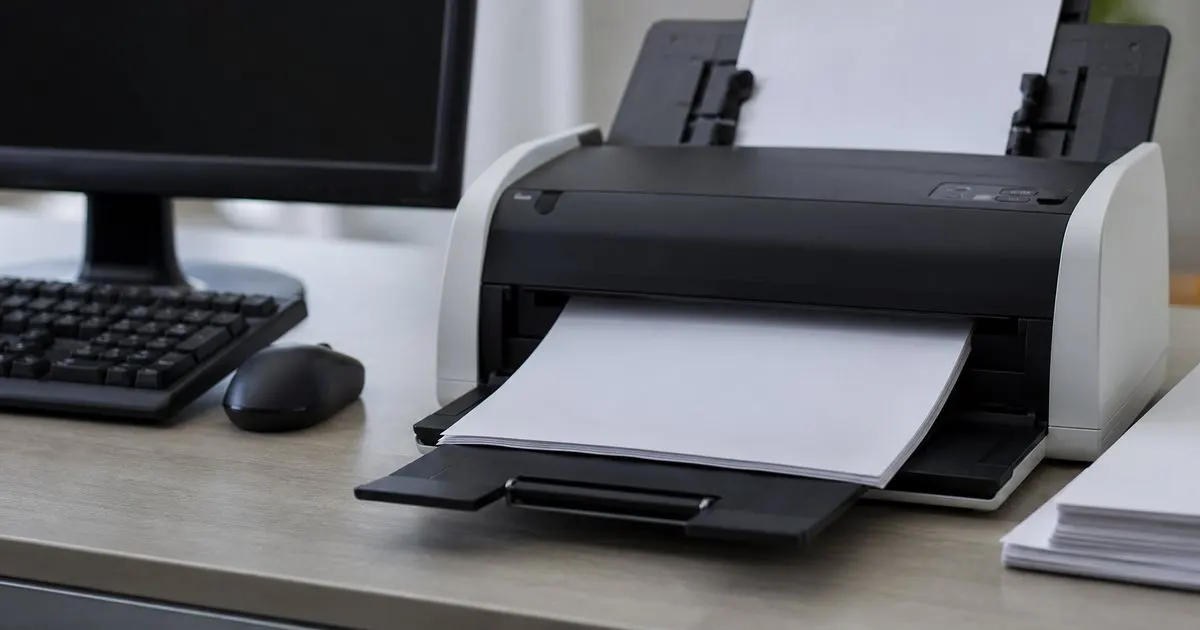
Scanned versus digital PDFs
A scanned PDF is essentially a picture of a page, with no underlying text. A born-digital PDF has selectable text built in.
This difference shapes what you can do beyond stamping.
Keep reading: What exactly is Bates numbering and why do law firms rely on it for documents?, How do you keep Bates numbering consistent across multiple separate document productions?, When should you apply confidential or privileged watermarks to a batch of documents?. See how PdfStampr helps you bulk pdf stamping and bates numbering.
Stamping still works
Applying a Bates number or watermark to a scanned page works fine, since the stamp is added on top. The visual result looks identical. Related: How do you choose where a Bates stamp sits so it never covers document content?
Numbering does not require a text layer to function.
What you do not get
Stamping does not make a scanned page searchable, because it adds no text layer. If you need search, that is a separate step. Related: What is the best way to stamp a production that mixes landscape, oversized, and letter-size pages?
Being clear on this avoids false expectations.
Planning your workflow
If searchability matters, run recognition before or after stamping using a dedicated tool. Sequence the steps deliberately. Related: Which comes first, redaction or Bates stamping, when you prepare a document production?
Knowing the limitation lets you plan the right order.
- Scanned PDFs are images without a text layer
- Stamping applies cleanly on top of scanned pages
- Stamping alone does not make pages searchable
- Add text recognition separately if search matters

Julien Jimenez
Julien Jimenez is an independent software builder based in Paris. He designs, ships, and operates focused SaaS products for small businesses and independent professionals. Read the full author page.
Frequently asked questions
Does stamping a scanned page look any different?
No, the stamp is added on top and the visual result looks identical to a stamped digital page. Numbering does not require a text layer to function.
How do you make a scanned, stamped PDF searchable?
Run text recognition as a separate step, before or after stamping, using a dedicated tool. Sequence the steps deliberately since stamping alone adds no text layer.
Bates Numbering Without The Headache
Bulk PDF stamping and Bates numbering. PdfStampr is built to help you put this into practice.
Start free trialMore from the PdfStampr blog


Get the PdfStampr playbook
Practical guides on legal document ops, straight to your inbox as we publish them. No spam, unsubscribe any time.